
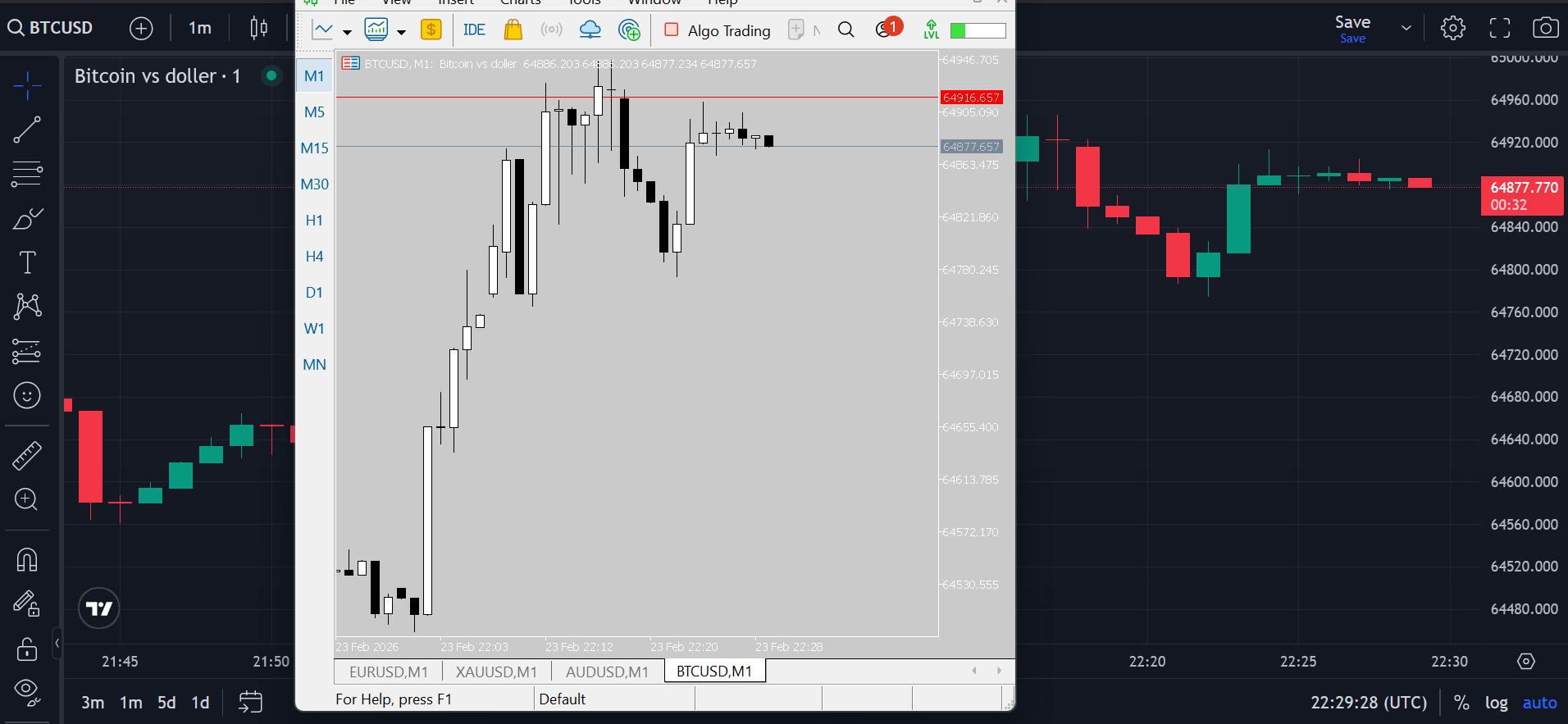
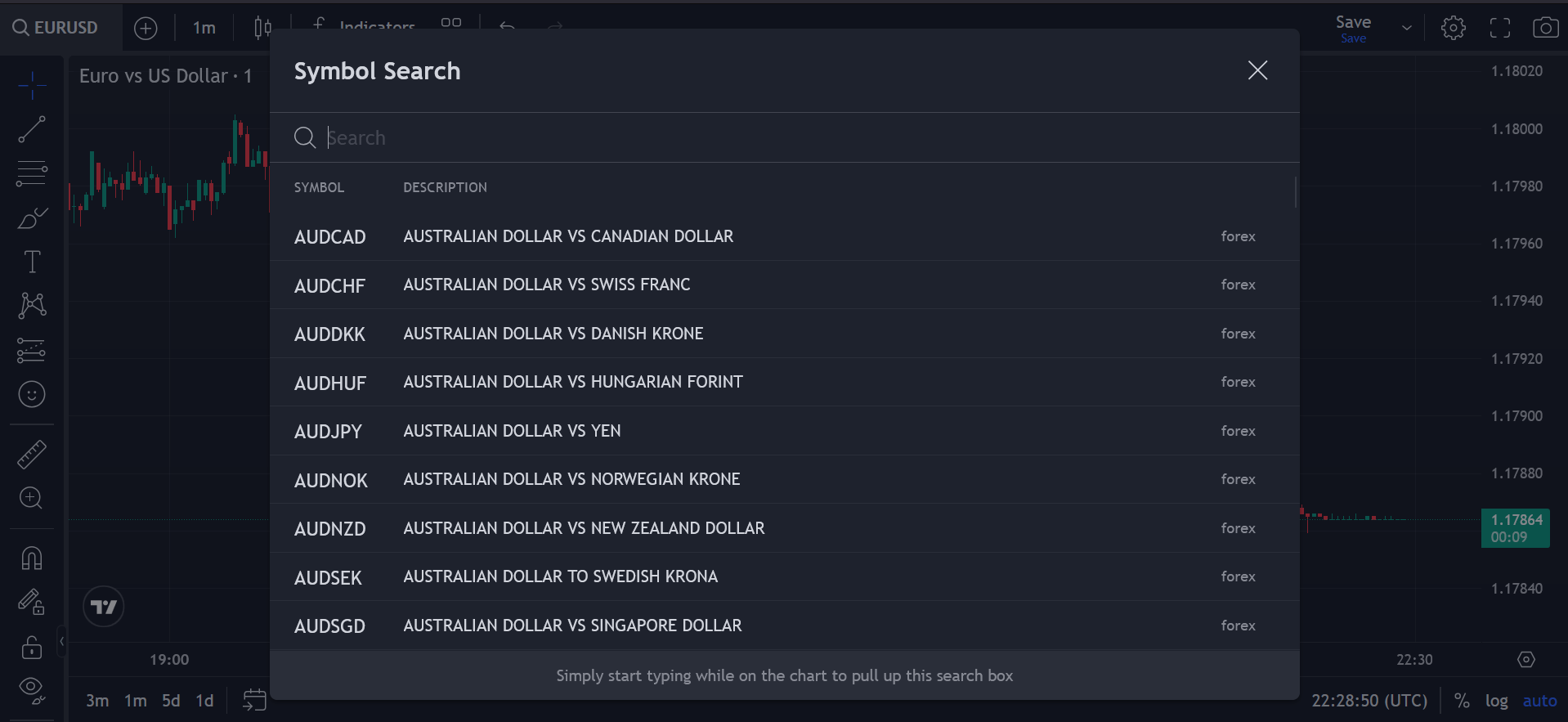
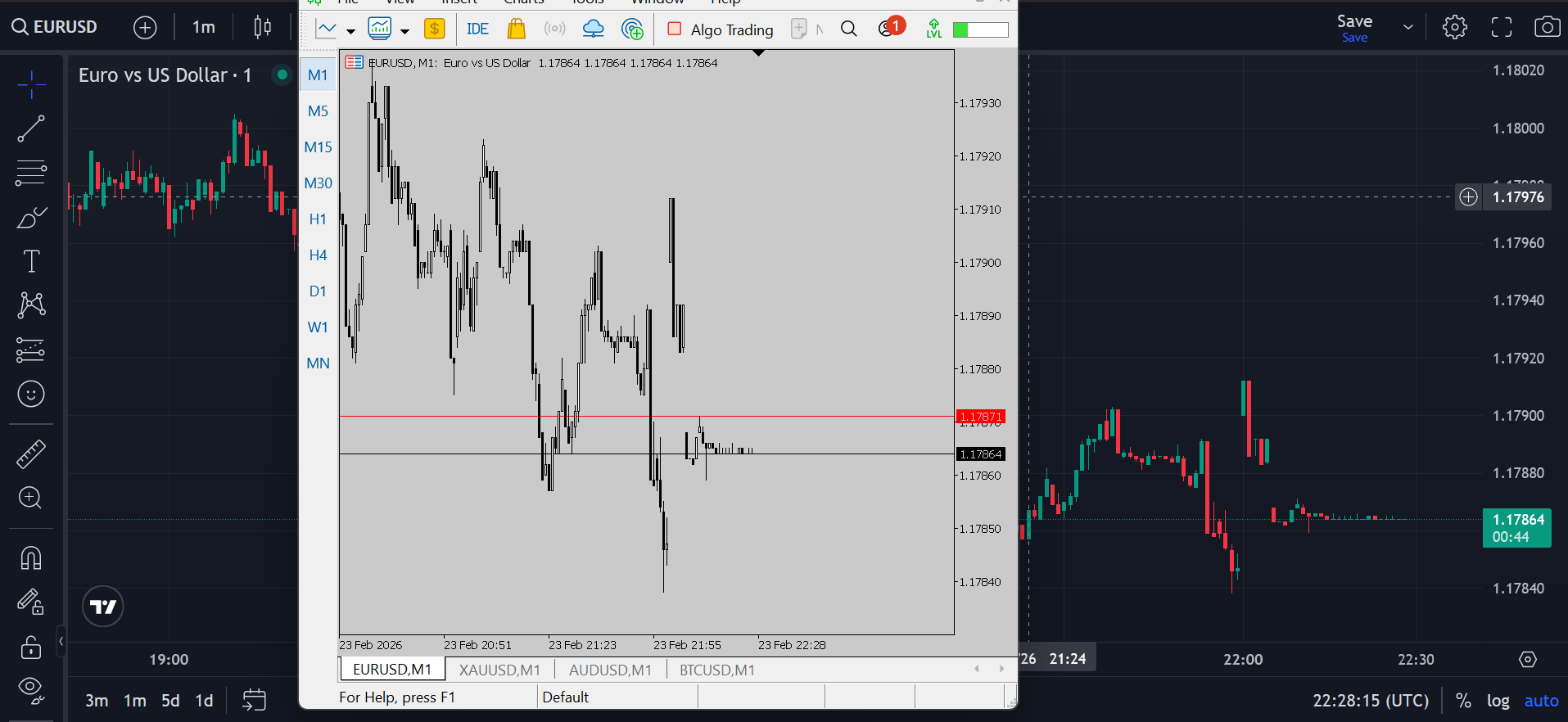
If you trade with MetaTrader but prefer the visual power of TradingView, this solution bridges the gap.
This Python-based connector lets any trader using any broker stream MetaTrader data directly into TradingView Advanced Charts — without changing brokers, without complicated setups, and without giving up your existing MT5 environment.
Below is a quick summary before we dive deeper.
📊 Product Overview
| Feature | Details |
|---|---|
| Product Name | MetaTrader → TradingView Advanced Chart Connector |
| Supported Platforms | MetaTrader 5 (MT5) |
| Chart Interface | TradingView Advanced Charts V26 |
| Broker Compatibility | Works with any broker |
| Technology | Python bridge + browser integration |
| Data Synced | OHLC Live Data , Save Charts |
| License | Lifetime access |
| Price | $99 (one-time payment) |
| Updates | Free lifetime updates |
| Installation | Step-by-step guide included |
Why Connect MetaTrader to TradingView?
MetaTrader 5 remains one of the most widely used trading platforms globally. However, many traders prefer the advanced visualization and charting tools offered by TradingView.
The problem?
- TradingView charts look better.
- MetaTrader handles execution better.
- Brokers don’t always provide TradingView integration.
- Switching brokers just for charting isn’t practical.
This connector solves that.
You keep your broker.
You keep your MetaTrader account.
You gain TradingView Advanced Charts with your real MetaTrader data.
How the System Works
The system acts as a bridge between MetaTrader and your browser:
- MetaTrader streams live market data.
- The Python script captures and formats the data.
- The browser-based TradingView Advanced Chart receives the feed.
- Charts update in real-time with your broker’s price.
No dependency on TradingView’s broker list.
No third-party data providers.
No API subscription required.
It works with:
- Forex pairs
- Crypto pairs
- Indices
- Commodities
- Stocks (if supported by your broker)
Key Features
Live OHLC Data Sync
Real-time:
- Open
- High
- Low
- Close
- Timestamp
Charts reflect your broker’s actual pricing — not synthetic data.
This is the first version of this product and it lacks some features, such as a full timeframe option.
In the next version, we will implement the full timeframe feature as well as a position management system. (The price will increase, so you can get that update for free by purchasing it today.)
Works With Any Broker
Because it reads data directly from your MetaTrader terminal, it works regardless of:
- Regulated brokers
- Offshore brokers
- Prop firm accounts
- Demo accounts
If MetaTrader supports it, this connector supports it.
Lightweight & Fast
The Python backend is optimized for:
- Low CPU usage
- Minimal latency
- Stable WebSocket communication
- Smooth browser rendering
You don’t need advanced hardware.
Who Is This For?
This tool is ideal for:
- Forex traders who love TradingView visuals
- Crypto traders using MetaTrader brokers
- Prop firm traders
- Algorithmic traders who want advanced charting
- Manual traders who analyze deeply before execution
If you execute on MetaTrader but analyze on TradingView, this is built for you.
Why This Matters in 2026
In 2026, traders demand:
- Broker flexibility
- Better visualization
- Multi-platform integration
- Data ownership
- Faster decision-making
Trading ecosystems are fragmented. Most traders juggle multiple tabs, accounts, and tools.
This connector unifies:
MetaTrader execution + TradingView analysis.
That reduces friction and increases focus.
Technical Compatibility
| Component | Requirement |
|---|---|
| Operating System | Windows / macOS |
| Python | Pre-configured script provided |
| MetaTrader | MT5 |
| Browser | Chrome / Firefox / Edge |
| Internet | Stable connection |
No external servers required.
No cloud dependency.
Runs locally on your machine.
Installation Process
Setup is straightforward:
- Install MetaTrader (if not already installed).
- Run the Python script.
- Install requirements.txt in main folder
- run main.py ( python main.py)
- run another cmd and type python -m http.server
- Open the address that http.server showed to you in your browser.
- Connect instantly.
Detailed step-by-step documentation is included.
Most users complete setup within 10–20 minutes.
Performance & Security
Security matters.
This system:
- Runs locally
- Does not transmit login credentials externally
- Does not store broker passwords
- Does not require external API tokens
All data flows between your MetaTrader terminal and your local browser session.
Your trading data remains under your control.
Pricing & Value
| Plan | Price | Updates | Access |
|---|---|---|---|
| Lifetime License | $99 (one-time) | Free | Unlimited |
❌No subscriptions.
❌No hidden fees.
❌No renewal charges.
✔Pay once. Use forever.
Compared to monthly SaaS trading tools, this quickly becomes cost-effective.
Competitive Advantage
Unlike typical solutions:
❌ No broker restrictions
❌ No monthly fees
❌ No complicated API keys
❌ No external hosting
Instead, you get:
✔ Direct MetaTrader data
✔ Real-time sync
✔ TradingView Advanced Chart visuals
✔ Lifetime access
Final Thoughts
If you’ve ever wished you could combine the execution reliability of MetaTrader with the charting power of TradingView Advanced Charts, this solution delivers exactly that.
For just $99 lifetime access, you eliminate the limitation of broker-based charting restrictions and gain professional-grade visualization with your own live data.
This connector gives you all three.